Your new tab.
Your own space.
A customizable new tab and shortcut organizer for Chrome. Keep your everyday websites in groups, and make your start page feel like yours.
Free. No account needed for local use.
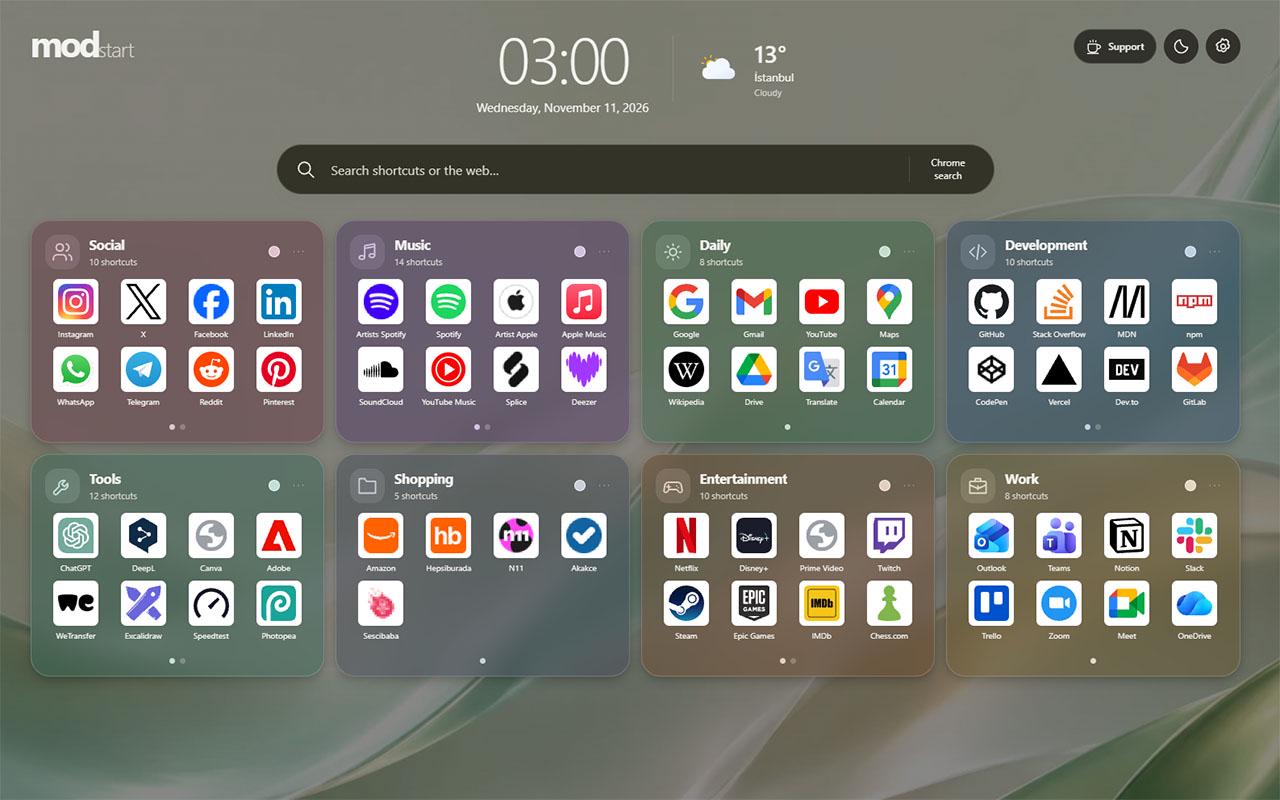
Less hunting.
More doing.
Group your everyday sites.
Add your own categories. Drag groups and shortcuts into the order that works for you.
Make it yours.
Choose wallpapers, light or dark mode, group colors and icon shapes.
Keep your layout with you.
Save a full backup, or turn on optional Chrome sync for text-based settings.
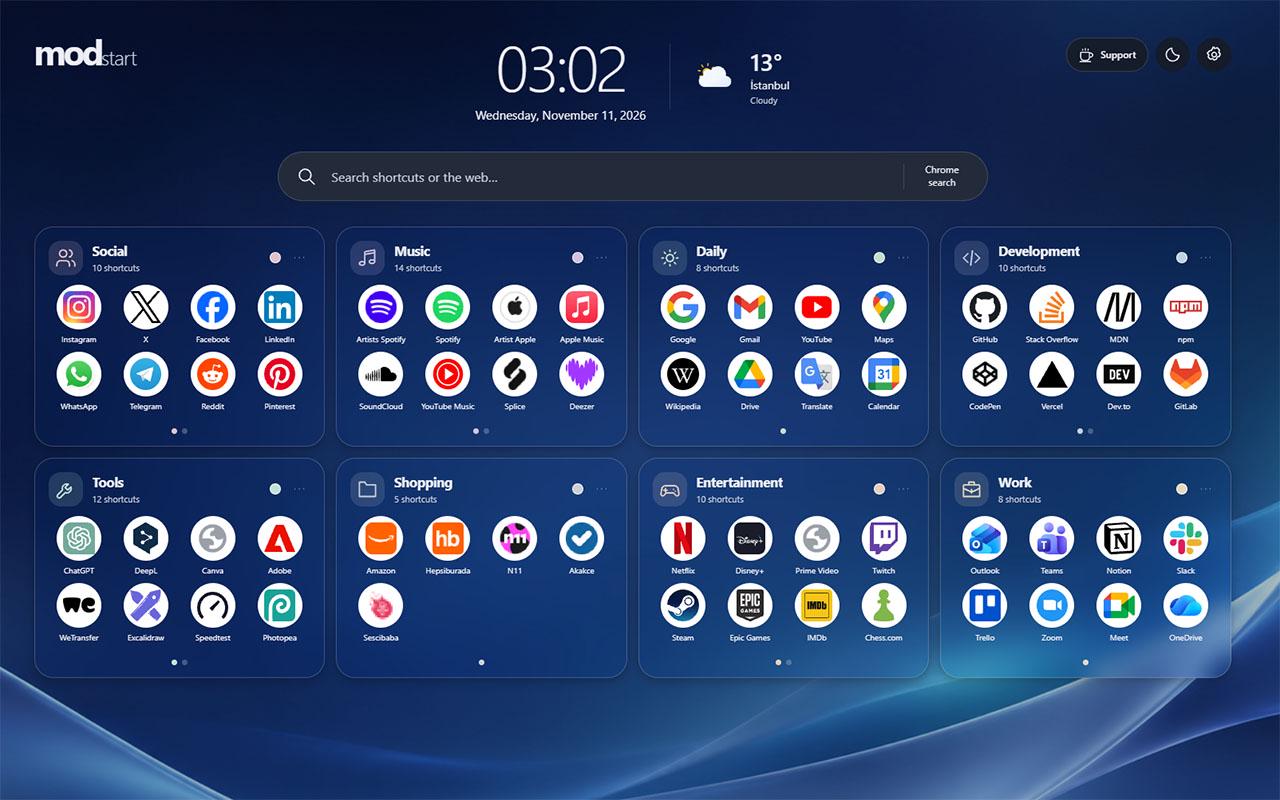
- Clock & optional weather
- 8 languages
- Full backups
Meet your
next new tab.
A 30-second tour of modstart.
Your layout.
Your choice.
Your shortcuts stay on your device by default. No modstart account is needed. The extension has no advertising or analytics trackers.
Read the privacy policyOptional Chrome sync uses Google. Weather uses Open-Meteo, and icon requests may reach the destination site.
A few good questions.
Is modstart free?
Yes. All features are free. Optional support does not unlock or limit any feature.
How do I group my shortcuts?
Create a category and add your website shortcuts to it. Hold and drag to reorder groups and shortcuts. Extra shortcuts appear on pages inside the group, keeping the layout compact.
Do I need an account?
No account is required for local use. There is no separate modstart account or sign-in. Optional cross-device sync requires the same Google account and Chrome extension sync. modstart does not read Gmail, Drive or your Google account contents.
Where is my data stored?
Categories, shortcuts, settings and uploaded images are stored in your local Chrome profile by default. If you turn on sync, category and shortcut names, URLs, order and text-based settings are saved to Chrome sync storage. Uploaded wallpapers and custom icons are not synced. The privacy policy explains external weather and icon requests.
Can I back up my layout?
Yes. Download a full JSON backup in Settings and restore it later. The backup can include categories, shortcuts, settings and uploaded images. Make a backup before uninstalling the extension or clearing browser data.
Does it support Turkish?
Yes. modstart is available in English, Turkish, German, French, Spanish, Italian, Dutch and Portuguese. You can change the interface language in Settings.
Does it change my search engine?
No. Web search uses the default search provider selected in Chrome, through Chrome’s search API. You can also search your saved shortcuts.
Does it work offline?
Your saved layout, themes and backup tools work offline. Opening websites, fetching current weather and transferring Chrome sync data between devices require an internet connection.